Choose your portrait
Choose human artists or AI, pick a cartoon style, then choose your people, pets and background.
We turn pictures of you, your family, friends and pets into personalised cartoon portraits. Choose a background, tell us what to include, and receive digital artwork.
Digital portraits, not physical prints. See examples below.
For a quote, choose your portrait below and email us your choices. Online checkout is not available yet.

Choose your portrait, email us your photos and request a quote.
Choose human artists or AI, pick a cartoon style, then choose your people, pets and background.
Use “Request a quote” to open an email draft with your choices. Attach clear photos of each person or pet, then send it to us.
Confirm the price and portrait details with us by email before going ahead.
Couples, families, friends or just you. These are examples of our yellow cartoon portraits.
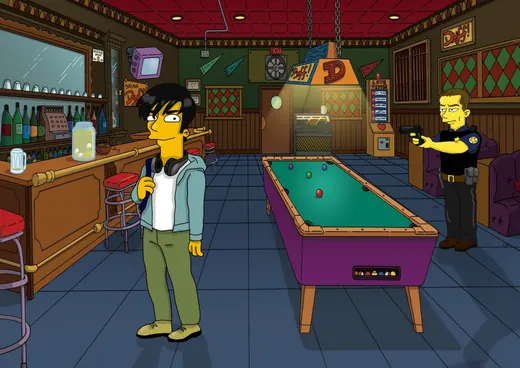
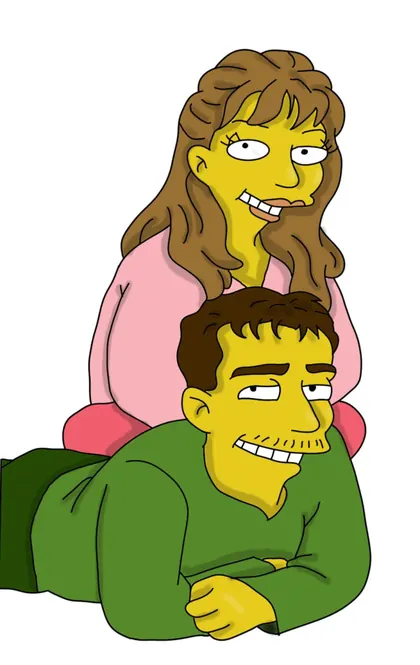
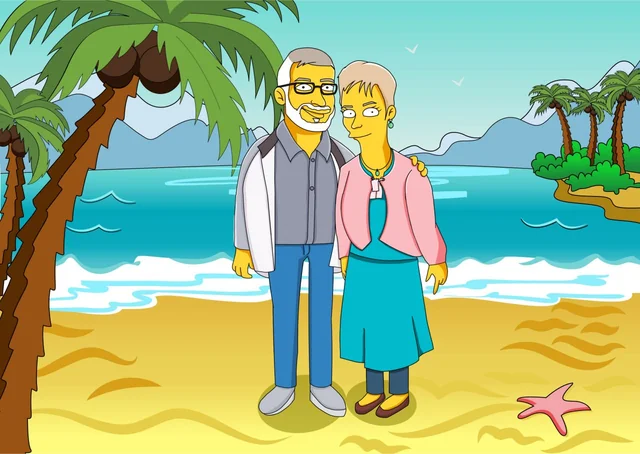
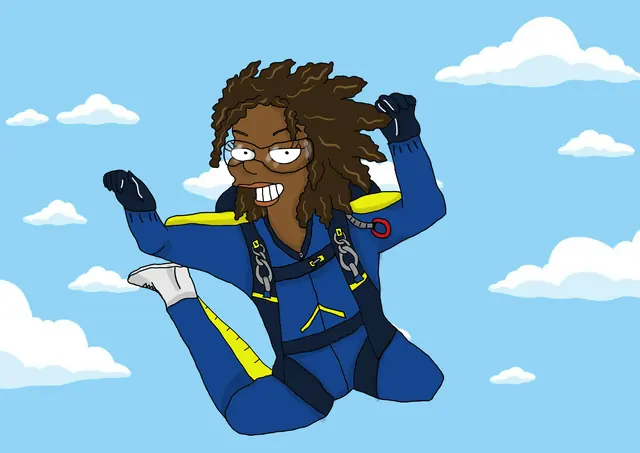
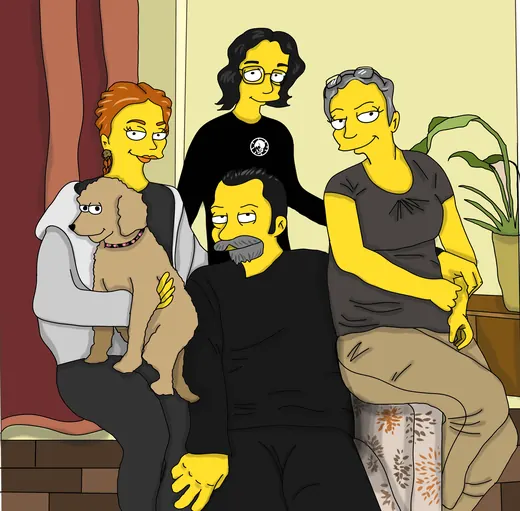

We can turn your photos into any cartoon style you can imagine. Tell us the look you want: anime, comic-book, storybook, a favourite cartoon or something of your own.
You can also change the setting, costumes and characters. The pirate portrait shows a custom scene in our yellow style.
Choose “Another cartoon style” below and describe it. Other styles need a separate quote; the yellow portrait prices do not apply.
Choose another cartoon styleChoose your options, then request a quote by email. Use the email draft below, or copy your choices and email us directly.
The essentials about artwork, photos and backgrounds.
Yes. Choose “Drawn by human artists” or “Generated with AI” in the portrait builder. The AI version costs one third of the equivalent human-artist price, rounded to the nearest penny or cent. For another cartoon style, we need to confirm the human-artist quote first; the same one-third rule applies to the AI version.
A custom digital cartoon portrait based on the package, photos and scene details you provide. Physical prints are not currently sold through this website.
Choose clear, well-lit photos where we can see each person’s face and hair. Add an extra photo if there is a particular outfit or detail you want us to include.
Yes. Choose the living room, clouds, house front, kitchen, bar or cafe. For another location, select custom background and describe it.
Yes. You can use separate photos for each person or pet. Choose clear pictures so we can see everyone properly.
Online checkout and photo uploads are not available. Choose your portrait and use “Request a quote” to email us instead. Attach your reference photos in your email app; selecting files here does not attach or send them.
Pick your style, people and background, then email us for a quote.
Choose options for a quote